Wednesday, July 6, 2011

Hidden Wonders of the Depths 3: Atlantis Adventures Game

Download for Free Hidden Wonders of the Depths 3: Atlantis Adventures Game. Normal price this games is $ 6.99 USD. This game available for windows mac and also online version. The Hidden Wonders of the Depths 3 is newest version of this games.

Hidden Wonders of the Depths 3: Atlantis Adventures is Match 3 Games that invites you to travel to the Atlantis world. This is a good puzzle game. Although it not free game, with a Coupon Code we can get the game for free.
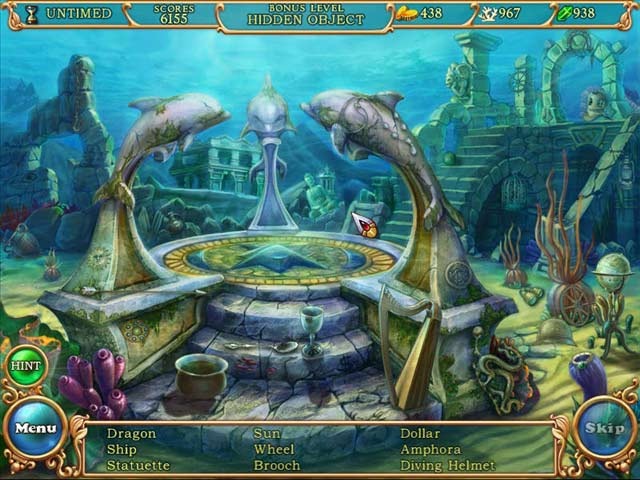
Hidden Wonders of the Depths 3

How to get Hidden Wonders of the Depths 3 game for free

  • Open the page “Hidden Wonders of the Depths 3: Atlantis Adventures” Game
    here
  • Click “Buy it” button on the page
    Hidden Wonders of the Depths 1
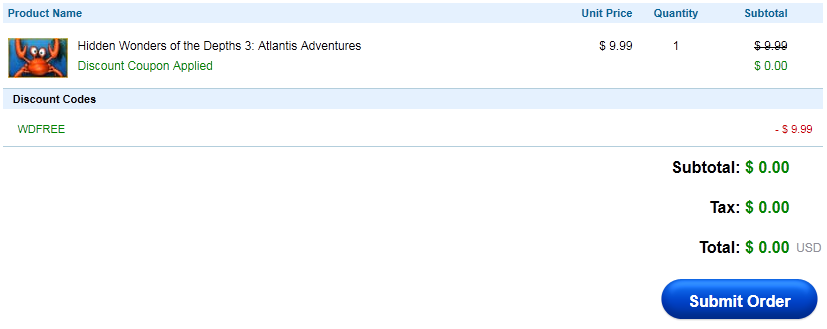
  • Enter the Coupon Code. The Coupon Code is WDFREE then click Apply Code
    Hidden Wonders of the Depths 3
  • Continue to create an account, If already have an account you can login and skip this steps
    Hidden Wonders of the Depths 4
  • Submit your order on the next page
    Hidden Wonders of the Depths 5
  • Click on “Install Game Now” button to download installer of “Hidden Wonders of the Depths 3: Atlantis Adventures” Game
    Hidden Wonders of the Depths 6
  • Install the game in your PC and enjoy the “Hidden Wonders of the Depths 3: Atlantis Adventures” Game in your PC

I don’t know how long active of the Coupon Code for “Hidden Wonders of the Depths 3: Atlantis Adventures”  but when I use the Coupon Code to purchase the game it still active.

Tuesday, June 28, 2011

Integrate Facebook and Twitter to Gmail

You are interest to integrate social services Facebook and Twitter on your Gmail account. By combining the both social services you can check your Facebook status and your twitter easily just only login to your Gmail account. Its mean to integrate the both social services you must install new gadget on your Gmail because there is no default gadgets are available on Gmail for the social service.

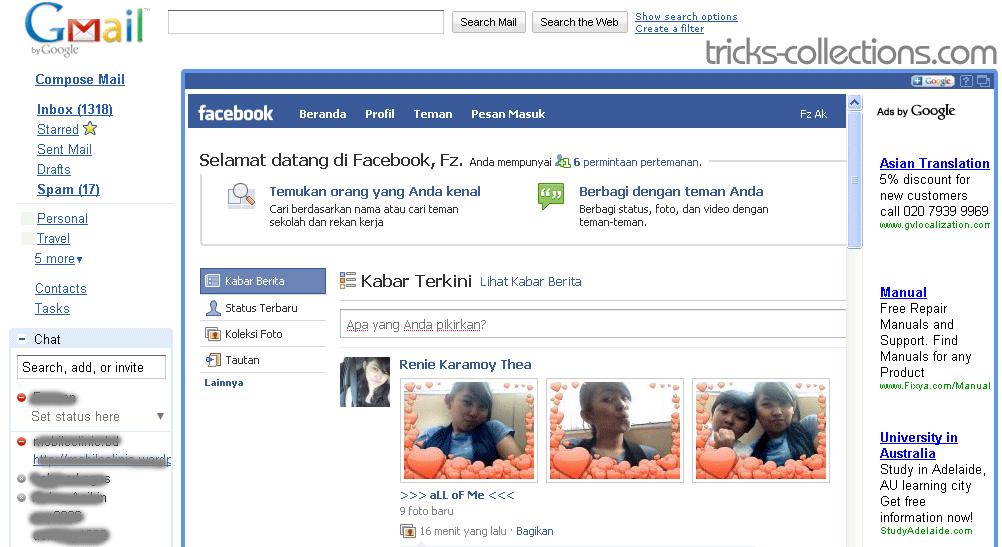
View Facebook status on Gmail

facebook-status-on-Gmail

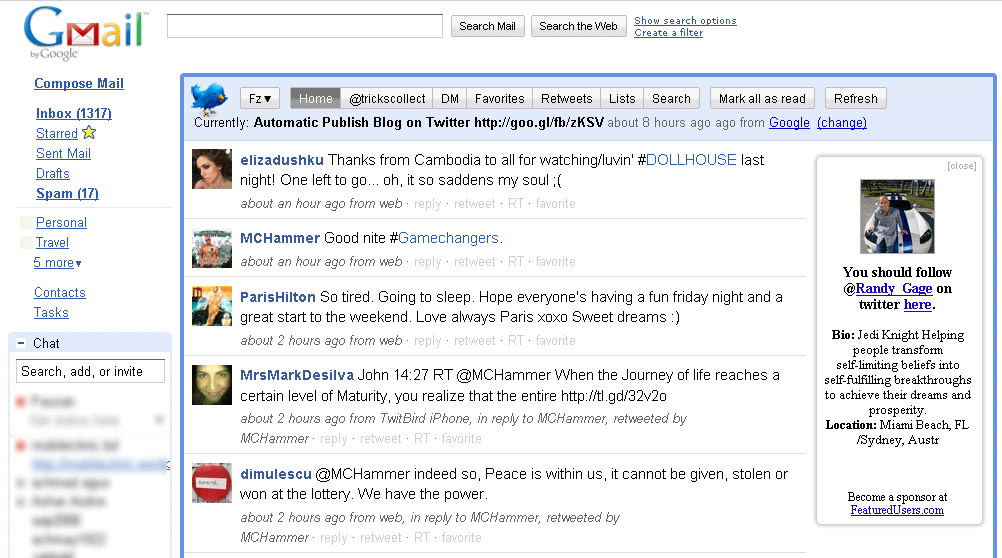
Show twitter tweet on Gmail

twitter-on-Gmail

Here how to integrate Facebook and Twitter to your Gmail:

  • Login to your Gmail account.
  • Click Setting. On the setting sections click Labs tabs.
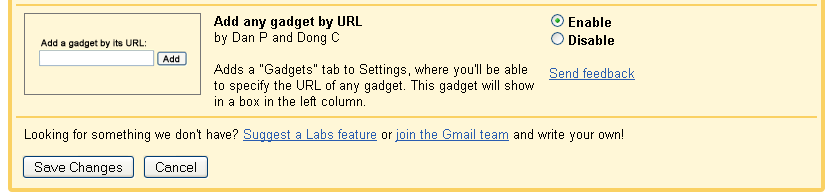
  • Enable “add any gadget by URL”  then “save changes” button to save the setting
    activate add a gadget on gmail
  • Click setting again. Now you will see new tabs named “Gadgets” on setting sections. Click this gadget.
    add a gadget
    Copy this link to gadget form then click add button to install Facebook Gadget:

    http://hosting.gmodules.com/ig/gadgets/file/104971404861070329537/facebook.xml

    And this link to install Twitter on Gmail:

    http://twittergadget.appspot.com/gadget-gmail.xml

Once installations finished you will see new widget in you email account are Twitter and Facebook.

How to see your twitter and Facebook status on Gmail

To view you Facebook status: Click expand on Facebook widget.

To your twitter:

  • Click here link (red rectangle)
    activate twitter on gmail
  • Click “allow button” to allow Gmail accessing your twitter account